OpenSCAD or build123d for an AI-written part
Ask Claude, GPT or a similar model to write a part as code, and the three common choices are OpenSCAD, CadQuery and build123d. The choice decides whether you get a STEP file, whether a fillet is one call or a trick, and whether the script can check its own solid. We used build123d for our own two-model test, and each model lost runs to the library's current API. This page says which language for which part, and how to brief the model so it does not lose that run.
- OpenSCAD exports STL and 3MF, no STEP
- build123d and CadQuery export STEP and STL
- Pin the version; both models lost runs to API drift
- A person checks every file before a price
Should the AI write OpenSCAD or build123d?
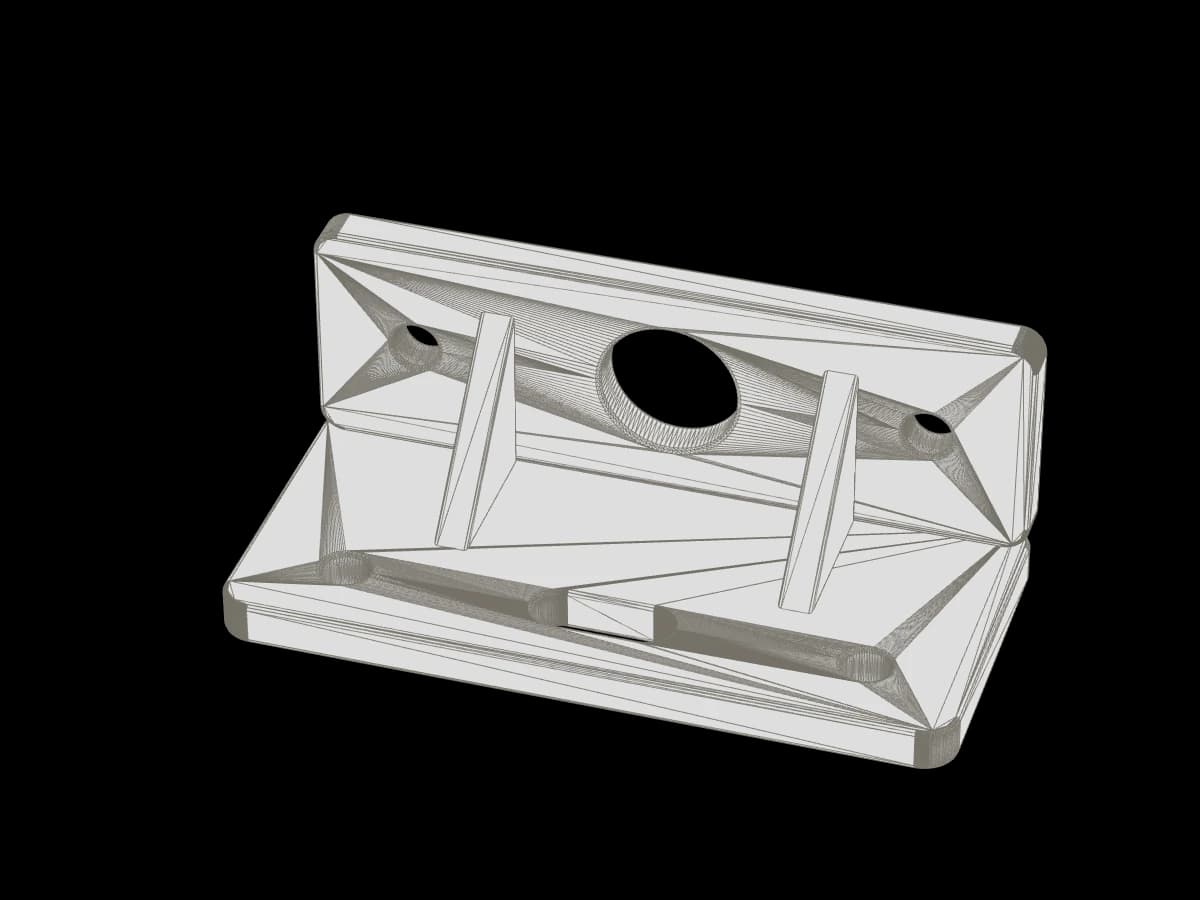
Two questions decide it. Do you need a STEP file, because the part will be opened in other CAD, measured exactly or sent to a shop that works from solids? Do you want fillets, chamfers or faces selected by name?
If either is a yes, use build123d or CadQuery: both run on the Open Cascade kernel, export STEP, STL and 3MF from one script, and fillet a selected edge in one call. If neither is a yes, OpenSCAD is the simpler tool.
What each one gives you
OpenSCAD cannot write a STEP file; it models with meshes and exports STL, OFF, AMF and 3MF. It has no fillet operator either: its manual rounds edges with minkowski(), hull() and offset(), which works for a box and gets long for a bracket.
| OpenSCAD | CadQuery | build123d | |
|---|---|---|---|
| Language | OpenSCADIts own script language | CadQueryPython | build123dPython |
| Geometry | OpenSCADMesh CSG (CGAL in the stable release, Manifold in the nightly builds) | CadQueryB-rep solids, Open Cascade kernel | build123dB-rep solids, Open Cascade kernel |
| 3D exports | OpenSCADSTL, OFF, AMF, 3MF | CadQuerySTEP, STL, 3MF, AMF, VRML; glTF for assemblies | build123dSTEP, BREP, STL, OBJ, glTF, 3MF |
| Reads STEP | OpenSCADNo | CadQueryYes | build123dYes |
| Fillets and chamfers | OpenSCADNone built in; minkowski, hull or offset tricks | CadQueryOn selected edges, one call | build123dOn selected edges, one call |
| Checks in the script | OpenSCADNone; the slicer finds the problem | CadQuerySolid validity, volume, bounding box, face queries | build123dSolid validity, volume, bounding box, face queries |
| API stability for an AI | OpenSCADFew changes; old and widely documented | CadQueryMature, well documented | build123dYounger; 0.13.0 released 21 September 2026, and calls move between versions |
| Good for | OpenSCADPrisms, plates, holes, anything you want to read in 40 lines | CadQueryParts that go on to other CAD, fillets, STEP | build123dThe same, with a newer and more Pythonic API; an MCP server exists for agents |
Our check scripts for the two-model test used what the row "Checks in the script" lists: import the STEP, count the solids, ask each one whether it is valid, read every cylindrical face's radius and centre. None of that exists for an OpenSCAD output; a mesh has no cylinders, only triangles that approximate one.
What the models got wrong, and what fixed it
In our test both Claude Opus 5.5 and GPT-6 Astra wrote build123d 0.13 and both lost at least one run to the library rather than to their geometry. Astra's first run of each script stopped on Shell.is_closed, a call that does not exist in 0.13; it replaced the call with the underlying Open Cascade function. Opus lost its second bracket run to the & operator, which raises an error on an empty intersection in 0.13 instead of returning nothing.
Opus then hit a third surprise of a different kind. In algebra mode, Circle + Polygon returned two faces instead of one, so only the circle cut the plate and the teardrop point was never there. Three runs exported a round hole. The model found it only because it wrote an orientation check that failed. The fix was builder mode and an assertion that the sketch is one face.
None of these three was a mistake in the shape the model meant. Each was the library behaving differently from what the model expected; Opus's other lost run, a USB opening cut in the wrong frame, was its own geometry bug. The lesson holds for every code CAD language with an active release cycle: pin the version in the environment, name it in the brief, and give the model the path to the source.
A brief that worked
The opening of the brief from our test, which both models followed. Replace the tool and version with yours; the structure is what matters.
- Process and material"You are designing a part for FDM 3D printing in PETG (0.4 mm nozzle). Avoid support material where you can." The model orients features for the process from the first line.
- Tool, version, source"Write it as a parametric Python script using build123d 0.13. It is installed; run scripts with <venv>/bin/python -I <script>. Its source is in <venv>/lib/python3*/site-packages/build123d if you need to check the API. Do not use the web." Without the web, it is the only place a model can check the API; Opus read it first.
- Exports in millimetres"Export <name>.step and <name>.stl, in millimetres, into your working folder." Both files from one script, so they cannot disagree.
- Check your own result"Run your script and check your own result: dimensions, and that each body is one valid closed solid. Stop when you would send the files to a print shop." Both models wrote checks; Opus's caught the missing teardrop point and the misplaced USB opening.
- Notes"Write NOTES.md: key dimensions, assumptions, how you checked, what you are unsure of, the print orientation you recommend, how many times you ran the script and what you fixed." The unsure list is where the connector-space problem and the snap-force caveat came from.
- The part, in numbersEvery dimension that mates, with its unit. If a clearance matters, say the fit: "slides on by hand", "locked by two nuts". Our full brief, with both parts, is on the test page linked below.
Verdict
- OpenSCAD is enough whenThe part is prisms, plates and round holes; STL or 3MF is all the printer or the shop needs; nobody will open the model in other CAD; you want to read the whole script. A spacer, a cable clip, a flat bracket with four holes. Scale and units are yours to state; the file has none.
- build123d or CadQuery is worth it whenYou want a STEP file for exact measurement or later editing; the part has fillets or chamfers that matter for strength or fit; you want the script to prove its own solid is valid; the part is an enclosure, a snap fit, anything with faces that have to be selected and offset.
- Between the two Python optionsBoth export STEP, STL and 3MF and sit on the same kernel. CadQuery has been stable longer. build123d has the newer API, more selectors, and a community MCP server (build123d-mcp) that lets an agent run code, measure and render inside one session. Whichever you pick, pin the version.
For the person who already runs Fusion, SolidWorks or FreeCAD: none of this is faster than drawing the part yourself. Its value is for the reader without a CAD seat, and for ten variants of one bracket from one parameter list.
How the file reaches us
Export STEP and STL in millimetres and send either through the quote form or by email. A person opens the file, checks that it is one closed solid at the size you meant, and replies with a price in 3 hours on average on workdays. If the model wrote something that will not print, we say what and why before any price. An STL in millimetres can also get an automatic estimate through our MCP server once the agent has a druckworks sign-in, which is not open to the public yet; a STEP file goes to a person.
Questions
Checked by the druckworks workshopUpdated
Does OpenSCAD export STEP?
No. Its 3D exports are STL, OFF, AMF and 3MF. It models with meshes, and a mesh has no exact surfaces to write into a STEP file.
Is build123d better than CadQuery?
Same kernel, the same main exports. build123d has the newer API and an MCP server for agents; CadQuery has changed less. Either works; pin the version.
Why did the AI's script fail on the first run?
In our test, because it called something the installed version does not have or does not do. Astra called Shell.is_closed, which build123d 0.13 does not have, and replaced it with an Open Cascade function on the next run; Opus lost a run to the & operator, which raises an error on an empty intersection. Pin the version and point the model to the installed source.
Can Claude or GPT write OpenSCAD?
Yes, and with fewer version surprises than the Python libraries. Ask for named parameters at the top, millimetres stated, one body, and STL export.
Which file do you want?
STEP and STL, both in millimetres. STEP for exact measurement; STL for the slicer, and for an automatic estimate once our MCP sign-in is open to the public. If you have only one, send it.
Do you write the script for me?
No. We model from photos and measurements as a line on the quote, drawn by a person. If you have a script, run it and send the export.

Send the STEP or STL
In millimetres, from the form or by email. A person checks it and replies with a price in 3 hours on average on workdays.