AI modelling for a 3D printed part
Two different things are sold as AI 3D modelling. A mesh generator gives a shape that looks right and carries no controlled dimension. Code CAD written by a language model gives exact millimetres, editable parameters and a STEP file. Which one you need depends on whether the part has to fit something.
- A person checks every file before a price
- STL or STEP by form or email, STL by MCP
- Reply in 3 hours on average on workdays
- Ships to the Baltics, Finland, Sweden and Denmark
Which AI tool should model my part?
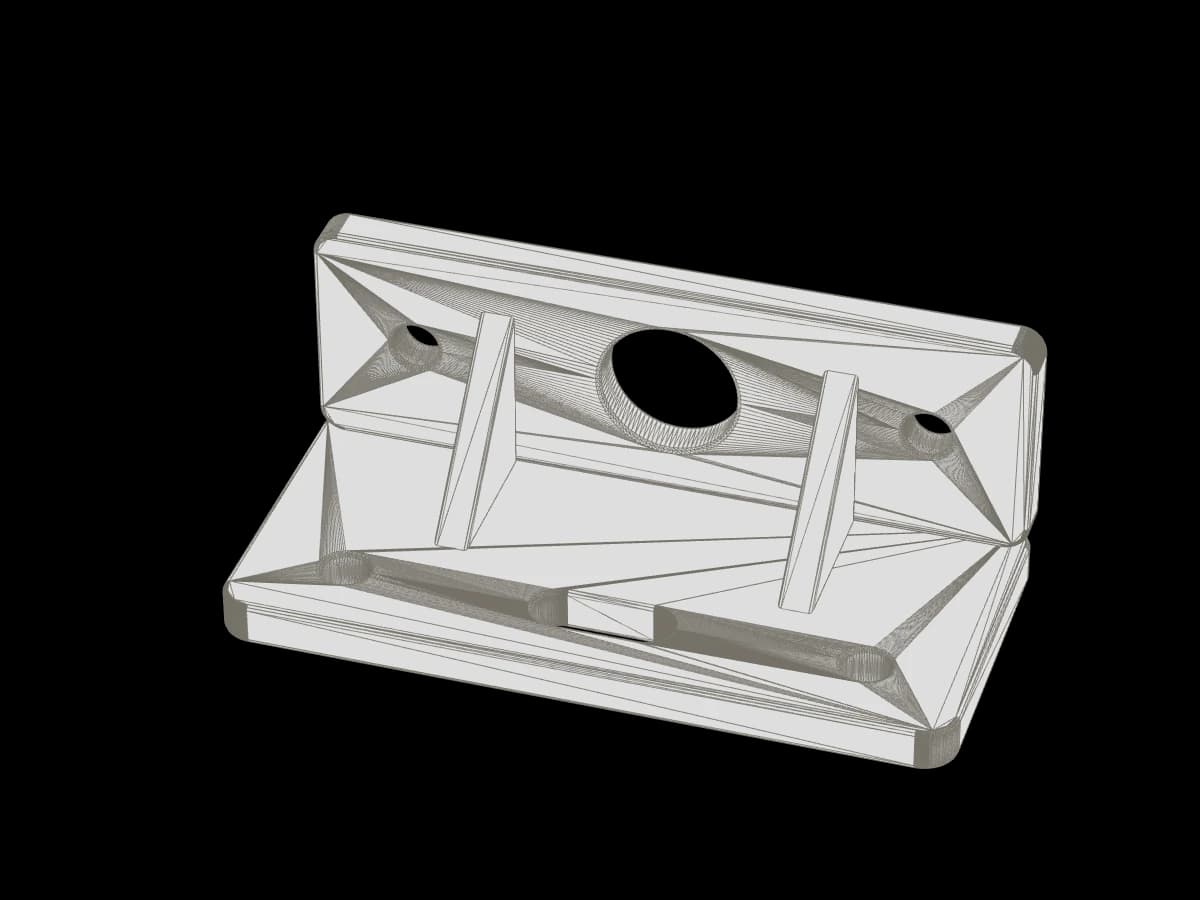
It depends on whether anything has to fit. A figurine, a decorative panel or a handle shape only has to look right: a mesh generator, which turns a sentence or a picture into a triangle mesh, is enough. A part that must match a screw, a shaft, a rail or another part needs a language model writing CAD code in OpenSCAD, CadQuery or build123d, where the dimension is the first thing you type.
Two tools with one name
Search for an AI 3D model generator and most of what comes back is a mesh generator: you type a sentence or upload a picture, and a neural network returns a triangle mesh. The other thing called AI modelling is a language model writing CAD code, in OpenSCAD, CadQuery or build123d, which you run to get a solid. They produce files with the same extension and almost nothing else in common.
| Mesh generator | Code CAD written by a language model | |
|---|---|---|
| What you give it | Mesh generatorA sentence or a picture | Code CAD written by a language modelA sentence with the dimensions in mm |
| What you get | Mesh generatorA triangle mesh: STL, OBJ, GLB | Code CAD written by a language modelA script, and from it a solid: STEP plus STL |
| Dimensions | Mesh generatorGuessed; you can scale the whole shape, not set one size | Code CAD written by a language modelExact; each one is a named parameter |
| A closed solid | Mesh generatorOften not; overlapping shells and holes in the surface are normal | Code CAD written by a language modelUsually, when you ask for one body |
| A 6.4 mm hole at 40 mm centres | Mesh generatorCannot be specified | Code CAD written by a language modelOne line of code |
| Changing one size | Mesh generatorRegenerate and hope | Code CAD written by a language modelEdit the parameter, run again |
| Good for | Mesh generatorFigurines, decor, a shape to look at | Code CAD written by a language modelBrackets, adaptors, housings, anything that mates |
The row that decides it is the hole. If any feature of your part has to match a screw, a shaft, a rail or another part, the mesh route has no way to put that number in. The code route makes it the first thing you type.
When a mesh generator is enough
A figurine, a decorative panel, a lamp shade, a handle shape you want to hold before you draw it properly. The part has to look right and sit on a shelf. Nothing has to fit into it. Generate the mesh, scale it to the height you want in the slicer, print. Meshy is one: it exports STL or 3MF and lets you set the height before export.
Expect to repair it first. The STL we receive from a generator is routinely not watertight: our enquiry endpoint measures the first STL of each enquiry on arrival and reports whether the mesh is closed, and closed: false is the usual answer for a generated model. It is not a rejection. A person looks at it and says whether it prints as it is, after a repair, or not at all.
Also expect FDM to be the wrong process for the finest of these. At our 0.20 mm standard layer, the face of a 30 mm figurine comes out as steps. A resin service resolves that detail; we print FDM only and would say so rather than quote.
When you need code CAD
Anything that has to fit. A bracket with four holes for M6 bolts, an adaptor between a 32 mm hose and a 40 mm one, a housing that closes over a 100 x 60 mm board. Describe it to Claude, GPT or a similar model and ask for the script, not the picture. The model writes the code; you run it on your machine and export the files.
- OpenSCADThe oldest and simplest to read. Exports STL and 3MF. It does not export STEP, because it works on meshes, so choose it when STL is all you need.
- CadQuery and build123dPython, built on a real solid-modelling kernel. Both export STEP and STL from one script. Pick one of these when you want a STEP file we can measure exactly, or a file you will open in other CAD later.
- Hosted text-to-CADZoo's text-to-CAD now runs as Zookeeper, an agent inside Zoo Design Studio, in a browser or on the desktop. It writes editable KCL code from a prompt and exports STEP or STL. Zoo's own FAQ says it can produce incorrect geometry, so check every dimension before you trust it.
For a reader who already runs Fusion, SolidWorks or FreeCAD: this route is slower than drawing the part yourself. Its value is for the person with the broken clip and no CAD seat, and for the engineer who wants ten variants of a bracket generated from one parameter list.
What to ask the model for
Six things, in the first message. Each one removes a round of questions later, from the model and from us.
- Units, stated"All dimensions in millimetres." OpenSCAD has no units and STL stores none, so the number 40 becomes 40 mm only because the slicer assumes it. CadQuery and build123d write millimetres into a STEP file by default. Say it anyway, so the comments and parameter names say it too.
- One closed solid"Return one watertight body, no overlapping or floating parts." Unions left as separate shells slice badly.
- Named parameters for what matesHole diameter, centre distance, bore, wall thickness, the outer size of the thing it slides over. Each as a variable at the top of the script, so you can edit it without reading the geometry.
- Clearance drawn inA hole prints a little smaller than drawn and a peg a little larger. Our tolerance is ±0.5% of the size, minimum ±0.5 mm. Put the clearance into the parameter and say what the part must slide onto.
- A flat face to print fromAsk for one face that can sit on the bed, and for overhangs under 45 degrees where the shape allows. It is cheaper than supports.
- STEP plus STL exportBoth from the same script. STEP for us to measure exactly and for your own records; STL for the slicer and for automatic estimates.
An example: "Write a CadQuery script for an L-bracket in millimetres: legs 40 mm and 40 mm, 30 mm wide, 4 mm thick, two 6.4 mm holes per leg at 20 mm centres. Put every size in a named parameter at the top. Return one closed solid and export bracket.step and bracket.stl."
Check it before you send it
Open the STL in any slicer and read the bounding box. If your assistant can run code, ask it to run the script and report the bounding box and volume before you open a slicer. If the model said 120 mm and the box says 1.2 or 1200, the units went wrong. Measure the hole the model drew against the bolt in your hand, then measure the part it must fit with calipers. Two minutes here saves a print.
If the slicer warns about a non-manifold mesh, go back to the script and ask for one body again. For a generated mesh, run the repair the slicer offers. Either way, send it; a person checks the mesh again before quoting.
How the file continues with us
Three doors. The quote form takes STEP, STP, STL, 3MF or OBJ in millimetres, up to 25 MB each. Email takes the same files, or a link. An AI agent with a druckworks sign-in, not open to the public yet, can use our MCP server directly: an STL in millimetres gets an automatic estimate in PLA Basic or PETG HF, up to 20 pieces, 25 MB and 500,000 triangles; a STEP file goes to the form, and any other material is priced by a person once the agent sends the enquiry.
Whichever door, a person reads the file and replies with a price, in 3 hours on average on workdays. Printing in our most popular materials takes 2-5 working days after payment. One part is a real order.
Read next
Questions
Checked by the druckworks workshopUpdated
Can you print an STL from an AI generator?
Usually, after a repair. Our endpoint measures the mesh on arrival and reports whether it is closed; a person then says whether it prints as it is. Expect layer lines on fine detail: we print FDM only.
Which gives better results, OpenSCAD or CadQuery?
For the print itself, neither. Choose CadQuery or build123d when you want a STEP file; OpenSCAD exports meshes such as STL and 3MF, and no STEP.
Do you write the CAD code for me?
No. We model from photos and measurements as a separate line on the quote, drawn by a person. If you have a script, run it and send the export.
Does the AI know your tolerances?
Only if you tell it. Give it ±0.5% of the size, minimum ±0.5 mm, and the clearance you need, as parameters.
STEP or STL?
Both, if the tool exports both. STEP is exact and editable; STL is what the slicer and our automatic estimate read.
Who owns a model an AI made?
A question for the tool's terms, not for us. We use the file you send only to price and make your part; an MCP estimate with a destination country also shares it with a price-comparison service.

Send the STL or STEP
In millimetres, from the form or by email. A person checks it and replies with a price in 3 hours on average on workdays.